The fastest way to abandon a second brain is to make setup a second job. Importing years of notes, designing a perfect taxonomy, and connecting every tool can produce a large system before you know whether it helps.
This 30-day plan takes the opposite approach. Start with one real project, prove one complete loop, and expand only when the current week produces a result you can recognize.
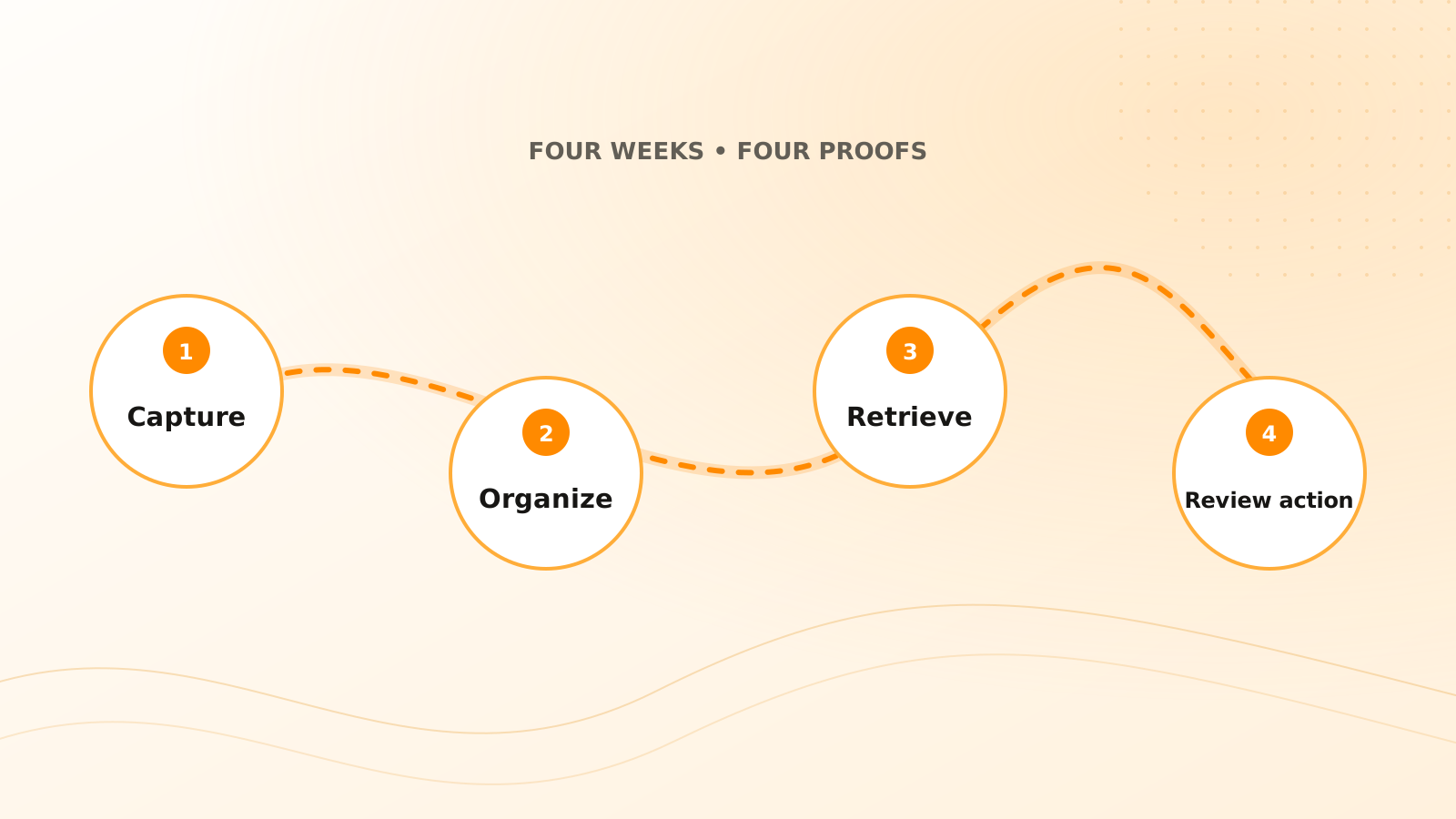
You can run the plan directly in Clear Tangle without enabling everything at once. Week 1 uses Capture and the Inbox; week 2 connects a Project with Pages, Tasks, and carefully scoped memory; week 3 tests Search and ChatMind against the original sources; and week 4 introduces one proposal-first Voice Workflow, integration, or Agent Studio workflow. Each feature earns its place by passing the week's proof.
What should be working after 30 days?
By the end of the month, you should be able to:
- capture useful input without deciding its final home immediately;
- process the inbox before important context expires;
- connect notes, sources, tasks, and decisions to one active project;
- retrieve material using exact terms and remembered meaning;
- ask source-grounded questions and verify the answers;
- turn one recurring input into a reviewable action workflow;
- explain what the system should not retain or do automatically.
That is enough to judge value. It is not a requirement to migrate your archive.
Week 1: Make capture dependable
Choose one active project with information arriving during the week. Create a project space and capture only material that supports it: a decision, meeting note, useful message, research source, or commitment.
Days 1–2: define the test
Write one sentence describing the problem: “I lose customer decisions between meetings and follow-up tasks.” This keeps the setup tied to an outcome.
Days 3–5: use one capture path
Use the simplest reliable method—direct text, voice, or one supported integration. Preserve the source and reason each item matters. Do not connect every service.
Days 6–7: review the queue
Delete noise, route project material, create only explicit tasks, and leave ambiguous items unresolved. Measure whether the important inputs survived the week with their context.
Proof for week 1: you can capture during real work and process the queue in 15 minutes or less.
Week 2: Build useful structure
Organize around the active outcome, not an abstract library.
Days 8–10: connect the project
Link the project's captures, tasks, pages, people, and sources. Use a small number of descriptive tags only when they improve retrieval across projects.
Days 11–12: separate notes from memory
Keep detailed and evolving material in notes. Promote only stable, reusable, appropriately scoped context into memory.
Days 13–14: create one maintained page
Summarize a decision, plan, or research conclusion that you expect to revisit. Link it to the sources that support it and record unresolved questions.
Proof for week 2: opening the project explains its current outcome, key context, and next actions without searching several apps.
Week 3: Test retrieval and answers
Now test whether the system returns useful context when your recall is imperfect.
Days 15–17: run exact and semantic searches
Search for a known identifier, then search for the same item using remembered meaning. Apply project, source, or date filters and inspect the originals.
Days 18–19: ask focused questions
Ask about a decision, open issue, change, or commitment. Require source links and ask the system to show uncertainty or disagreement.
Days 20–21: repair weak retrieval
Improve unclear titles, remove noise, correct relationships, and create a maintained page only where it makes repeated retrieval easier.
Proof for week 3: you can recover one important item without its exact wording and verify an answer against the source.
Week 4: Add one reviewable action
Choose one repeated handoff: meeting notes to task candidates, email updates to an existing task, or voice capture to a personal reminder.
Days 22–24: define boundaries
State which source, project, and operation are allowed. Separate read, propose, and execute permissions. Identify what always needs confirmation.
Days 25–27: run in proposal mode
Let the workflow prepare actions without applying them. Check duplicates, owners, dates, evidence, and false positives.
Days 28–29: allow a low-risk action
Enable one reversible operation after review. Test a retry, a stale task, an ambiguous date, and a likely duplicate.
Day 30: decide what to keep
Review what saved time, what created maintenance, which sources were useful, which memories are appropriate, and which permissions should remain disabled.
Proof for week 4: one recurring input can produce a correct, source-linked action through a review process you understand.
Your weekly checklist
The four proofs
Capture proof
Important input enters the system quickly and retains enough source context to understand later.
Organization proof
One active project shows its relevant knowledge, decisions, and tasks without a complex taxonomy.
Retrieval proof
You can find material with imperfect recall and verify a generated answer against sources.
Action proof
One narrow workflow proposes or performs a low-risk change with matching, confirmation, and history.
What should you avoid during the 30 days?
Avoid a full archive migration, automatic publishing, broad agent permissions, permanent retention of every input, and automation that affects other people without review. Do not judge the system by how much it stores. Judge it by whether you can recover context and make a better next decision.
Use the maintained Clear Tangle quick start for current setup. The minimal second-brain guide explains the first loop, while the capture-first workflow keeps the first week low friction.
Frequently asked questions
Should I import old notes during this plan?
Only when an old note is needed for the active project or retrieval test. Delay bulk migration until the working loop proves that the material will remain usable.
How much time should this take each day?
Most days should require 10 to 20 minutes outside normal use. The weekly review and action tests may take longer, but setup should not crowd out the work it is meant to support.
What if I miss several days?
Resume at the current proof rather than restarting the calendar. The sequence matters more than perfect daily streaks.
Which Clear Tangle integration should I connect first?
Choose the source that produces one recurring, valuable input for your test project—such as Gmail, Slack, Fireflies, Otter, or Google Calendar. Do not connect several sources until the first capture and review path works.
When should I try Agent Studio or Voice Workflows?
Wait until capture, organization, and retrieval are dependable. Then begin with a narrow read-only or proposal-first workflow whose sources, permissions, confirmation points, and result you can inspect.
Thirty days is long enough to test the complete system and short enough to keep the scope honest. Start with one project, keep sources visible, and earn every new integration or automation through demonstrated value.
Build your first connected workflow
Use the Clear Tangle quick start to capture one real project, retrieve its context, and add reviewable action only after the foundation works.
Start with the quick-start guide →Sources
- Clear Tangle Quick Start — supports the current first-session setup and core workflow.
- Clear Tangle Core Concepts — supports the captures, projects, pages, tasks, conversations, and memories used in the plan.
- The PARA Method — Forte Labs; supports organizing retained information around actionability and active outcomes.