A capture inbox should feel temporary. Its job is to protect useful input until you can decide what it means—not to become a second archive that you are afraid to open.
The difficult part of inbox processing is not moving cards between columns. It is preserving enough context that a decision, task, or reference still makes sense after it leaves the queue. A fast review that strips away the source may create a clean inbox and a confusing system.
What is the goal of inbox processing?
The goal is to make one defensible decision for each capture:
- discard it because it has no continuing value;
- keep it as reference material;
- connect it to an active project;
- turn a real commitment into a task;
- preserve stable context as a page or memory;
- leave it unresolved when the evidence is not yet sufficient.
“Inbox zero” is only useful when those decisions are trustworthy. Moving everything into a miscellaneous folder hides the queue without processing it.
What context should you protect?
Before routing an item, identify the evidence that gives it meaning. For a meeting note, that may be the meeting, speaker, project, and date. For a Slack message or email, it may be the original thread. For a personal observation, it may be the situation that prompted it.
Keep four fields when they matter:
- 1Source: where the input came from.
- 2Reason: why it seemed worth saving.
- 3Time: when it was true or relevant.
- 4Relationship: which person, project, decision, or commitment it concerns.
Not every note needs all four. The test is simple: could you understand and evaluate this item three months from now without reconstructing the entire day?
How do you process the queue efficiently?
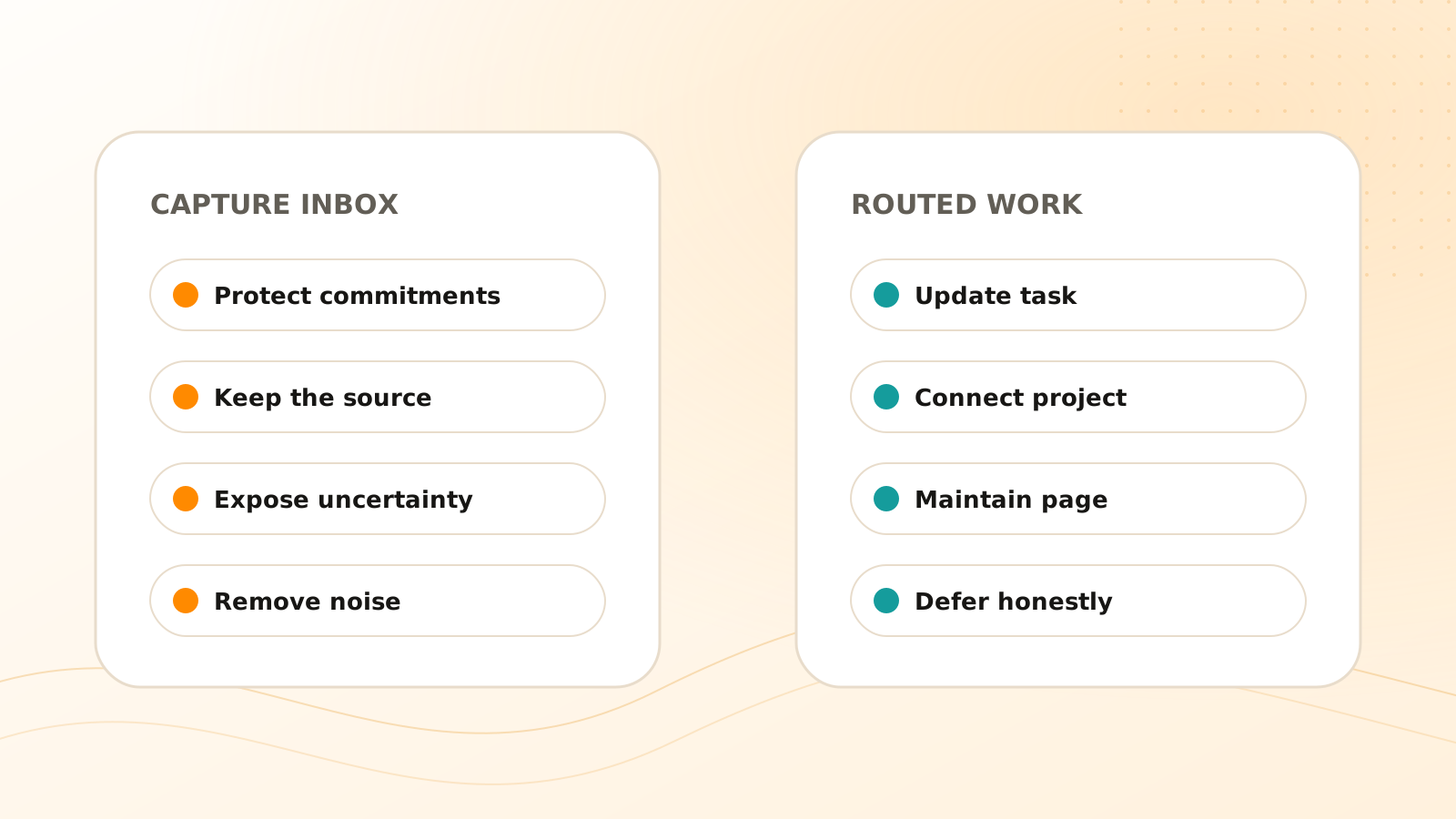
Pass 1: remove obvious noise
Delete duplicates, expired logistics, accidental captures, and material you cannot interpret. This pass should be quick because it does not require designing a destination.
Pass 2: protect commitments
Find anything that implies an action, deadline, owner, promise, or follow-up. Create or update a task only when the source supports it. If an owner or due date is unclear, preserve that uncertainty rather than guessing.
Pass 3: connect active work
Route relevant material to the project or outcome it supports. A project gives context that a generic subject tag often cannot: it explains why the item matters now.
Pass 4: preserve reusable knowledge
Promote stable decisions, explanations, and conclusions into pages or carefully scoped memory. Keep the raw source linked when the conclusion may need to be audited or refreshed.
Pass 5: defer honestly
Some items genuinely need more information. Mark the unresolved question and schedule a review instead of forcing a classification. A visible uncertainty is safer than invented certainty.
In a Clear Tangle review, begin with the item's evidence rather than its destination. A Slack follow-up might remain a source-linked Capture until you confirm whether it updates an existing Task; a meeting conclusion might support a maintained Page while the transcript stays intact. This prevents inbox processing from erasing the distinction between what the source said and what you decided to do with it.
How should AI help with inbox processing?
AI is useful for proposing tags, extracting possible tasks, summarizing long material, and suggesting a related project. Treat those outputs as structured suggestions.
Review more carefully when a suggestion would:
- assign work to another person;
- add or change a deadline;
- close an existing task;
- save sensitive material as durable memory;
- delete the only copy of a source;
- trigger an external action.
The more consequential the result, the stronger the evidence and confirmation should be. Clear Tangle's maintained inbox documentation describes the current product workflow; the capture-first method explains why the queue exists in the first place.
A 15-minute inbox review
Clear the queue without stripping its meaning
Scan for urgent commitments
Protect deadlines and follow-ups first, linking every task back to the source that created it.
Remove noise
Delete duplicates and expired items before spending attention on organization.
Route useful context
Connect active work to projects and stable knowledge to maintained pages or memory.
Review suggestions
Confirm AI-proposed owners, dates, destinations, and destructive changes before accepting them.
Record unresolved questions
Leave ambiguity visible and assign a later review when the evidence is incomplete.
Frequently asked questions
How often should I process my capture inbox?
Process it before valuable context goes stale. For many people, a brief daily review plus a deeper weekly review is enough; high-stakes meeting or customer captures may need immediate processing.
Should every capture become a task or page?
No. Many captures should be deleted after review, and some are useful only as source material attached to an existing project or task.
What if my inbox keeps growing?
Reduce low-value inputs, shorten the routing choices, and process commitments first. A larger taxonomy usually adds more decisions without fixing the capture volume.
Which inbox decisions should remain human-reviewed?
Review uncertain owners and dates, task completion, sensitive memory, deletion, and external actions. These decisions change meaning, authority, retention, or other people's work, so speed should not hide the evidence.
Should I keep the original source after processing a capture?
Keep it when it explains a decision, commitment, conclusion, or later action. Source context makes search results and AI suggestions easier to verify and correct.
An inbox becomes trustworthy when leaving it improves the item: its source remains available, its use becomes clear, and any resulting action can be checked.
Turn captured input into connected work
Review new material in Clear Tangle, preserve its source, and route useful context into projects, tasks, pages, or memory.
Explore the Clear Tangle inbox →Sources
- Clear Tangle Inbox Documentation — supports the current inbox review, processing, and source-context workflow.
- Personal Information Management — William Jones and co-authors; supports the distinction between keeping information for anticipated use and finding it for a current need.
- The PARA Method — Forte Labs; supports routing information by actionability and current outcomes rather than by an exhaustive topic taxonomy.