A task list says what could be done. A daily plan decides what fits today.
That decision requires more than sorting by priority. You need to know which outcomes matter, which commitments are fixed, how much focus time is actually available, what is blocked, and what context is required to begin.
What information belongs in a daily plan?
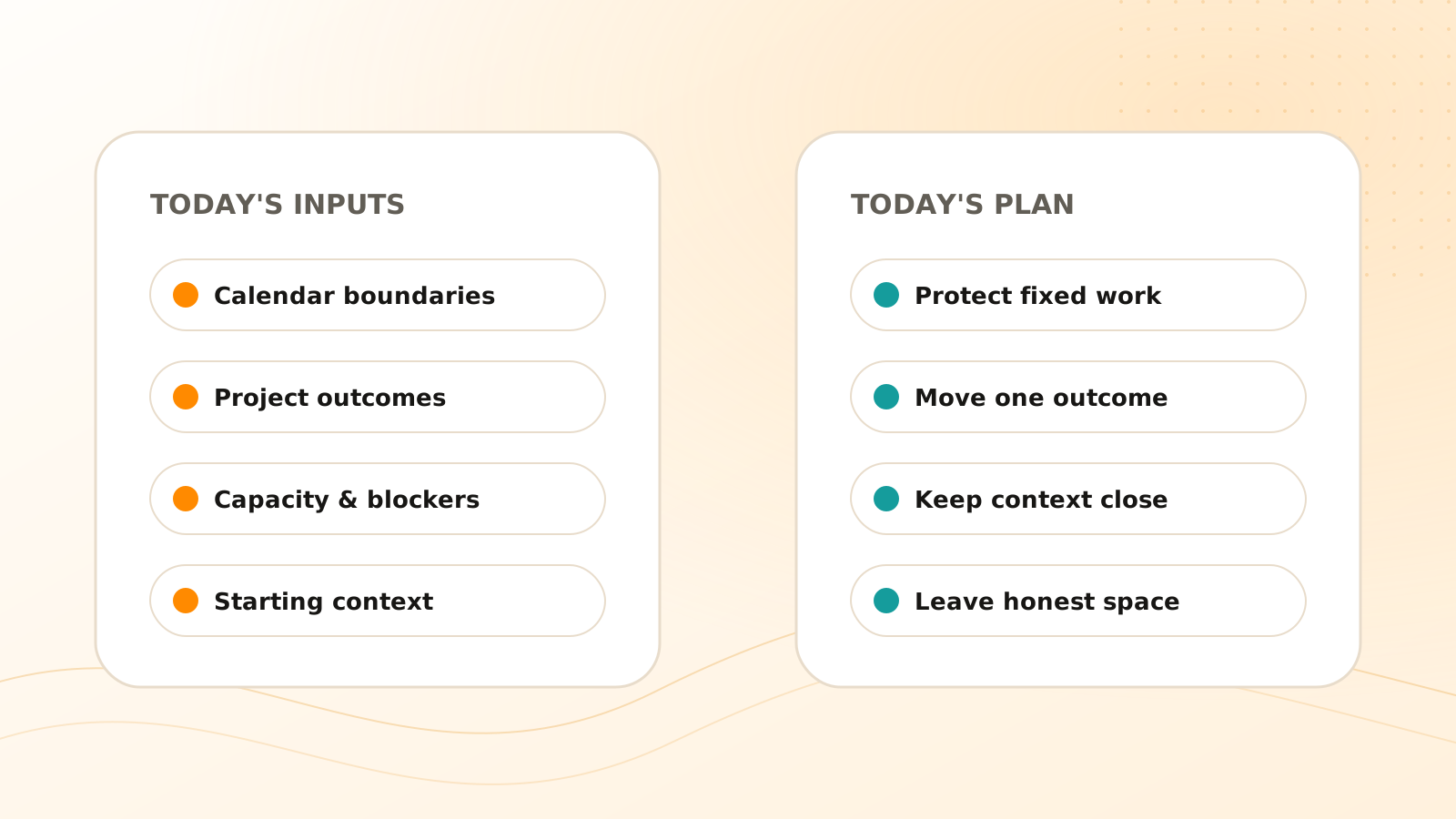
Use five inputs:
- 1Fixed commitments: meetings, appointments, hard deadlines, and time-sensitive handoffs.
- 2Project outcomes: the active results that deserve movement today.
- 3Task state: due dates, owners, blockers, dependencies, and recent changes.
- 4Capacity: realistic focus time, energy, and transition cost.
- 5Context: the notes, decisions, messages, and files needed to execute.
The final plan should be much smaller than the input set. Planning is an act of exclusion.
In Clear Tangle, those inputs can remain connected instead of becoming a copied morning list: Tasks carry status and timing, Projects supply the outcome, Pages and Captures provide starting context, and Google Calendar supplies the schedule boundary. The planning value comes from explaining why a small set fits today—not from assigning an unexplained score to everything.
Why does priority alone fail?
A high-priority task may be blocked by another person. A due task may take four hours when the calendar has one free hour. A small task may unlock a teammate, while a larger important task can wait until tomorrow's uninterrupted block.
Priority is one signal. A useful plan also considers urgency, impact, readiness, duration, dependencies, and the cost of delay.
Avoid turning those signals into an opaque AI score. A recommendation is easier to trust when it explains, “This is due today, unblocked, supports the current launch, and fits the 90-minute focus block.”
How do you choose today's work?
Protect the non-negotiable work
Start with deadlines and commitments that create a real consequence if missed. Confirm that each is still valid; stale dates should not dominate the day.
Select one to three outcomes
Choose a small number of results that would make the day meaningfully complete. Outcomes provide direction; tasks are the executable pieces.
Check dependencies
Remove blocked tasks or replace them with the action that clears the block. If a review is waiting on you, completing it may have more leverage than starting another isolated item.
Estimate against the calendar
Subtract meetings, breaks, and transition time before allocating focus work. Do not plan eight hours of tasks into four hours of available time.
Attach starting context
Link the relevant project page, source message, meeting decision, or document. “Prepare renewal proposal” is easier to start when the approved pricing decision and customer request are one click away.
A 10-minute daily planning routine
Build a plan you can finish
Read today's constraints
Review calendar commitments, hard deadlines, and urgent changes before selecting work.
Choose outcome-linked priorities
Select a small set of tasks that move the most relevant projects or commitments.
Remove blocked or oversized work
Split large tasks and replace blocked items with the next action that makes progress possible.
Match work to available time
Reserve focused tasks for usable blocks and place smaller administrative work around transitions.
Open the starting context
Attach the source, decision, or project page needed to begin each priority without another search session.
How should AI help plan the day?
AI can summarize changes, identify likely blockers, suggest a priority set, and explain scheduling conflicts. It should not quietly move deadlines, declare work complete, or assume that calendar availability equals permission.
Ask a planning assistant to show:
- which inputs influenced the recommendation;
- why each task was included or excluded;
- which dates or owners are uncertain;
- what does not fit;
- which decisions require your confirmation.
The plan remains yours. The assistant's role is to reduce reconstruction and make tradeoffs visible.
Clear Tangle's tasks, projects, and Google Calendar documentation describe the current planning inputs. The earlier message workflow explains how to keep duplicate Slack and email tasks from distorting the plan.
Frequently asked questions
How many priorities should a daily plan contain?
Use as few as you can genuinely protect—often one to three meaningful outcomes plus necessary maintenance. The correct number depends on task size and available time.
Should overdue tasks always come first?
No. First verify that the task and date are still valid, then consider consequence, project impact, readiness, and the action needed to unblock it.
What should happen when the day changes?
Replan explicitly. Preserve what changed, move unfinished work deliberately, and avoid treating an outdated morning plan as a moral scorecard.
How can Google Calendar improve a Clear Tangle daily plan?
Calendar context shows fixed events and apparent free blocks, but it cannot know whether every open period is usable focus time. Confirm task duration, transitions, energy, and private constraints before accepting the suggested plan.
Should Today's Plan include every due task?
No. It should expose conflicts and select a realistic set based on consequence, project value, readiness, dependencies, and capacity. Tasks that do not fit need an explicit decision, not silent omission.
A good plan does not promise that everything will fit. It identifies what deserves the available time and preserves enough context that you can begin.
Plan from connected work, not an isolated list
Use Clear Tangle tasks, projects, and calendar context to build a focused daily plan with the evidence needed to execute.
Explore daily task planning →Sources
- Clear Tangle Tasks Documentation — supports the current task and daily planning capabilities.
- Clear Tangle Projects Documentation — supports the current project model and relationship between work items and outcomes.
- Google Calendar Integration Documentation — supports the current calendar context available to planning workflows.